
This guide will walk you through entering Commodity Swaps into the system.
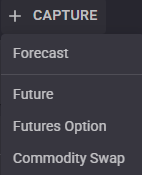
From the top left of the page click “+ Capture” and select “Commodity Swap” to display the Commodity Swap entry form.
Fill in all the required fields denoted with a “*” and then click “Update Periods” to generate the periods of the swap in the grid. For quick selecting the Effective/Termination Dates click the  icon to display a list of relative terms to the Trade Date.
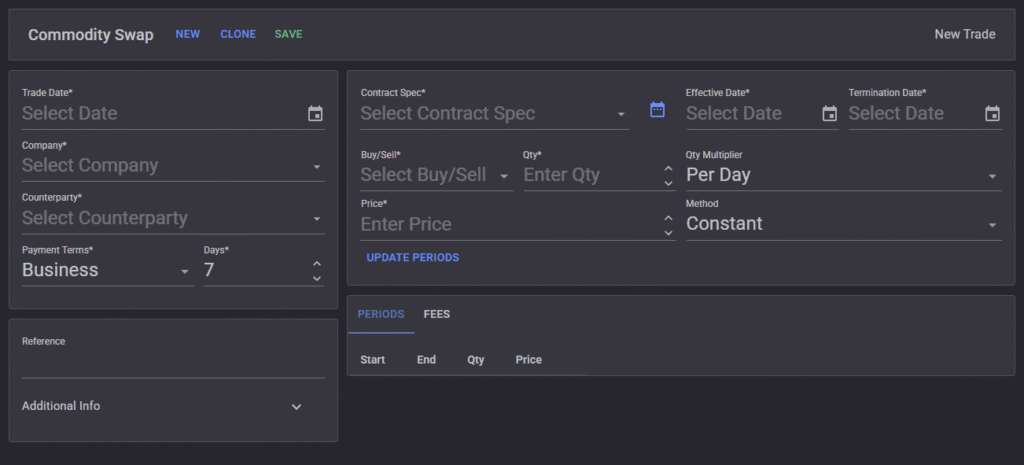
The Qty Multiplier and price Method can selected to change the way prices and quantities are calculated or allow for manual sculpting in the grid.
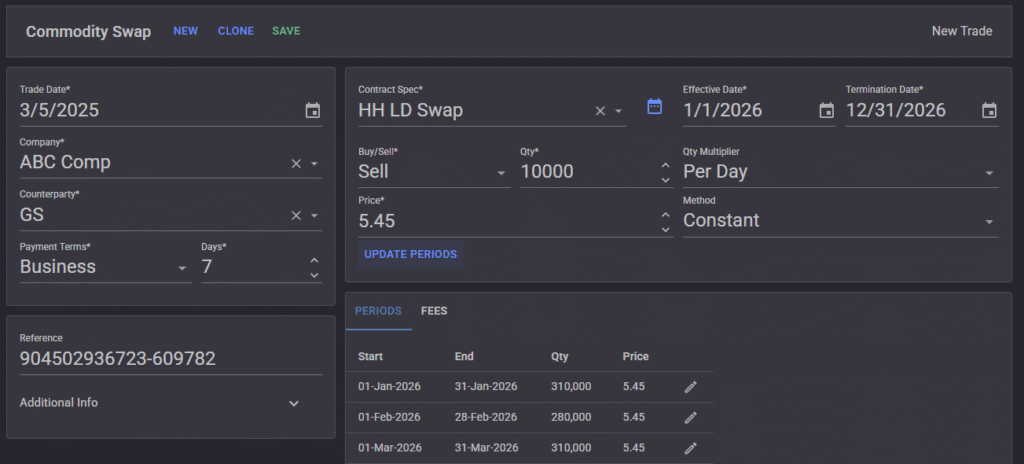
Click “Save”