
This guide will walk you through setting up Broker Accounts for storing and processing exchange traded Futures and Futures Options.
Under the Trading Partners item in the Admin & Settings area click “Broker Accounts”
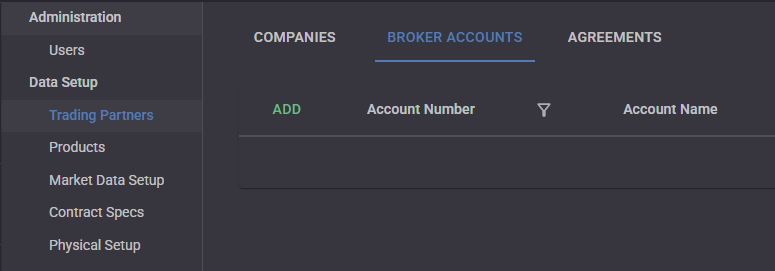
Click “Add” to show the Edit Broker Account drawer. Give the Broker Account a name and an Account Number. Select the Brokerage from the Companies that were defined previously. You can also add a Clearing Broker if needed. Select the owner Company of the Broker Account.
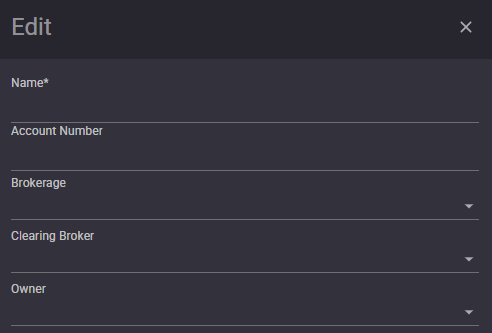
Click Save.