
This guide will show you how to add Agreements so that you can make a company to a counterparty for trading purposes.
Go to the Admin & Settings area and click on the Trading Parties item then click on the Agreements tab.
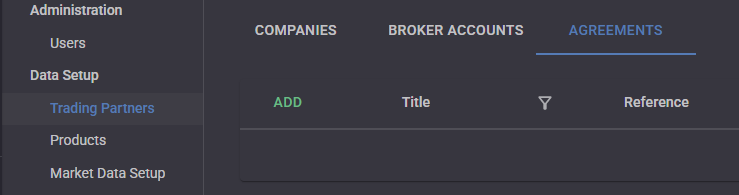
Click the “Add” button to show the Edit Agreements drawer.
Give your agreement a Title and an optional reference. Then select both a Company and a Counterparty that the agreement is between. The agreements will restrict the user from entering any trades for a company that fall outside of an Agreement.
If the company has no agreements then they will be able to select any counterparty on a trade.
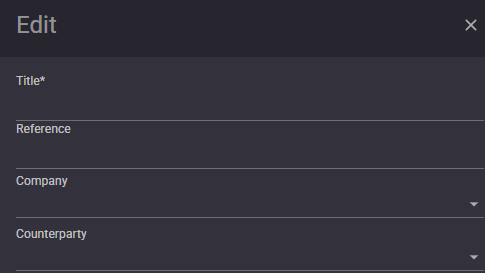
Click Save
Up Next…
- Capture Commodity Swaps
- Capture Commodity Options