
This guide will show you how to enter forecasts into the system so that you can model your exposures and account for forecast risk.
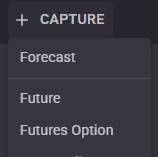
On the top left hand side of the page click “+ Capture” and then select Forecast to show the Forecast entry form.
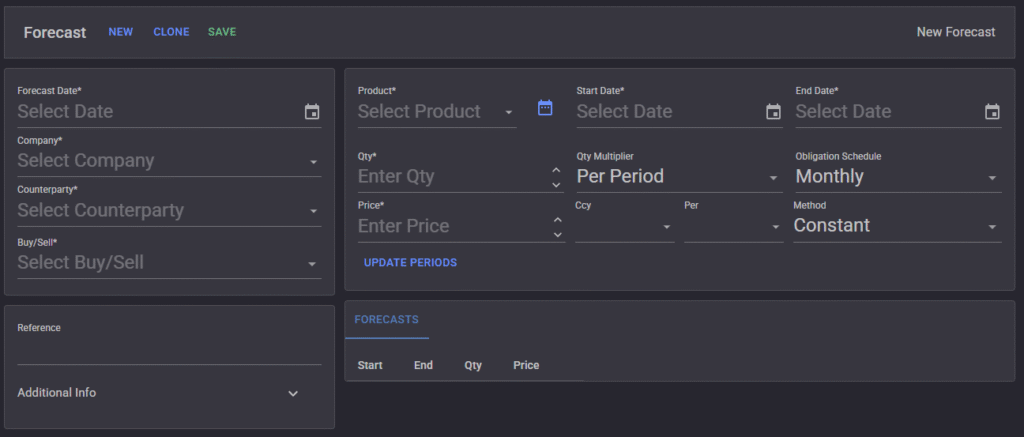
You must fill in all the required fields denoted with a “*” before the Forecast periods can be generated. Click “Update Periods” to force the generation of periods. The Counterparty field allows you to make forecasts for other companies that can then be used to roll up are break out.
**Note: if you want your forecasts to be purely internal you can select your own company as both Company and Counterparty.
If you make any changes after the periods of generated you can click “Update Periods” to regenerate them.
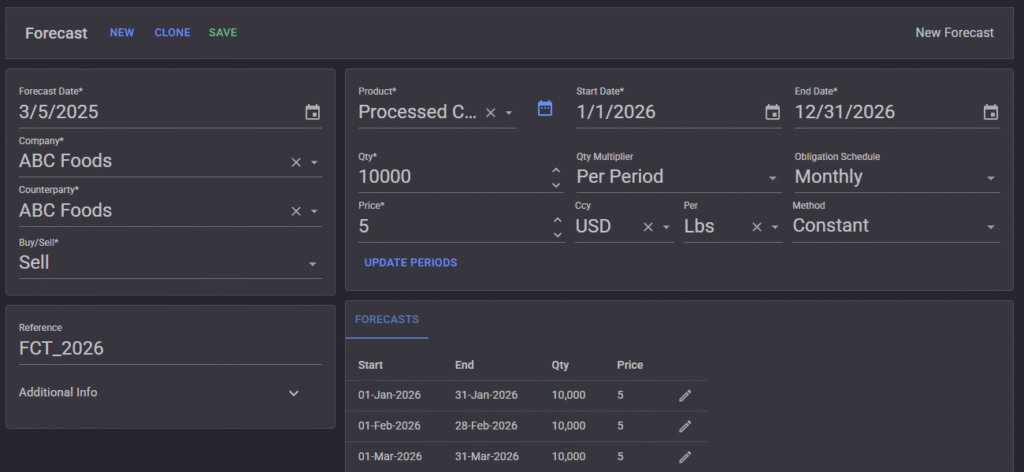
Click Save
Up Next…
- Capture Commodity Swaps
- Capture Futures & Futures Options